
Google Workspace & Microsoft 365 setup, handled with precision.
Our service is designed to be a one-stop solution for businesses looking to seamlessly transition to Google Workspace or Microsoft 365. From initial setup to complete email migration, domain configuration, and consolidation — we ensure zero data loss and minimal disruption to your daily operations.
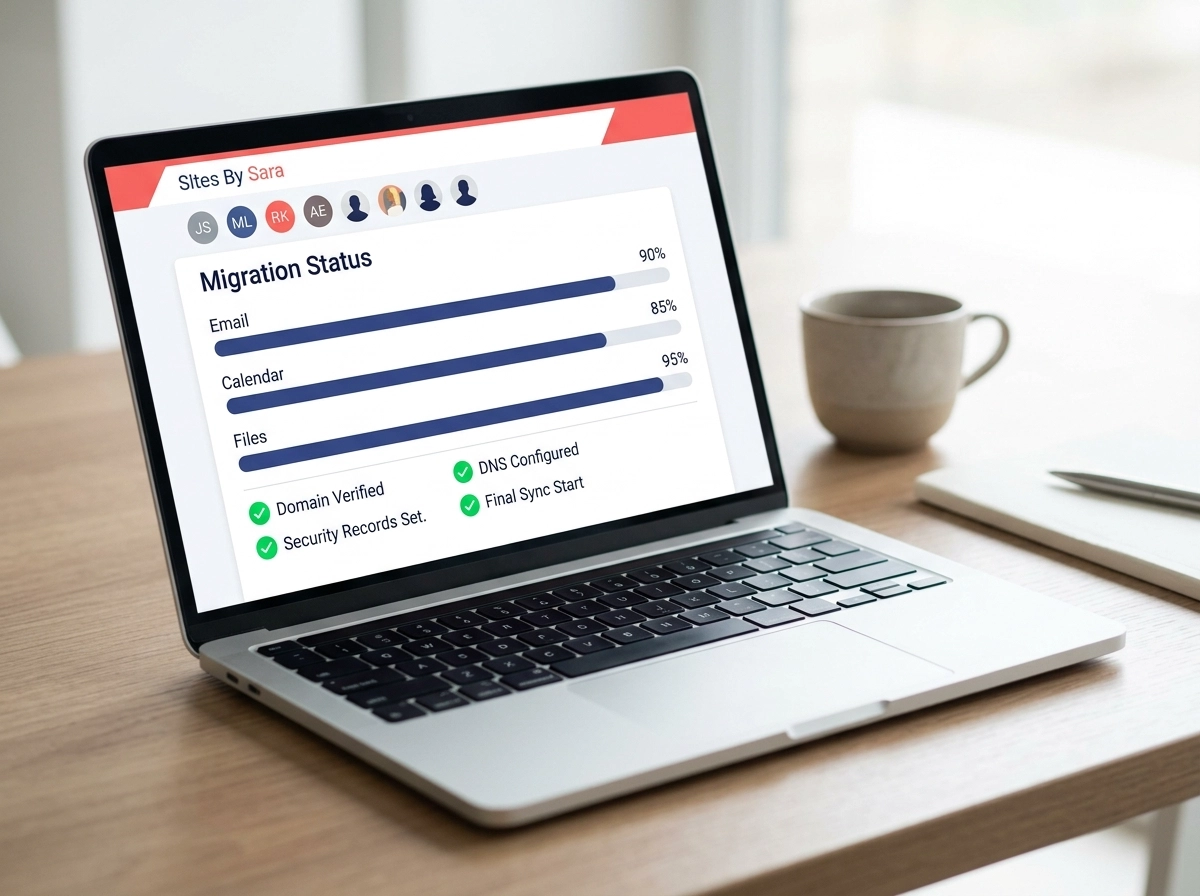
Everything handled, start to finish.
Choose exactly what your team needs — no forced bundles, no hidden surprises.
GWS / MS365 Setup
- Domain verification & connection
- MX records configured to mail server
- SPF, DKIM & DMARC deliverability records
- Admin, user accounts & initial aliases
- 1 account migration up to 10 GB included
Full Data Migration
- Emails: Inbox, Sent, Drafts & Folders
- Calendar events, schedules & recurring rules
- Cloud files (Google Drive / OneDrive)
- From Web Hosts, Outlook, cPanel or Gmail
Outgoing Assistance
- Automated notices with your new email
- Auto-forwarding from old inbox to new inbox
- Graceful phase-out of old domain addresses
- Prevents lost client inquiries or orders
Company Catch-All
- Routes all domain mail to 1 master inbox
- Catches misspelled addresses & typos
- Covers up to 30 accounts & aliases
- +$5 for each additional account/alias
Additional Email Accounts
User mailbox creation, invitations sent to each account holder, guided password reset, and user support.
Additional Email Aliases
Free forwarders (e.g. info@, sales@) for non-essential accounts — saves money without paying for extra licenses.
Send & Reply As Another Alias
Reply as billing@ or support@ straight from one primary inbox — "send mail as" and "check mail from" configured. Same rate applies for setting up additional email accounts under one login.
Email Group Setup
Shared distribution lists (e.g. team@yourcompany.com) so the right team members always stay in the loop.
Pricing above represents Sites by Sara professional setup & migration fees. Google Workspace and Microsoft 365 software licenses are billed directly by Google or Microsoft.
Already have email set up? Protect it with our Cybersecurity Services.
What's involved in your setup.
Here is the exact step-by-step engineering behind every Google Workspace & Microsoft Outlook deployment.
Account Creation
Business profile initialization, plan selection (Starter, Standard, Plus, Enterprise), and master admin account provisioning.
Domain Connection
Connecting your existing business domain, confirming ownership intent, and preparing DNS configuration.
Domain Verification
Generating and publishing the unique TXT verification code at your domain host's DNS settings.
DNS Security Records
Configuring MX routing records, SPF TXT records, DKIM cryptographic email signing, and strict DMARC policies.
User & Mailbox Setup
Creating user mailboxes (name@yourdomain.com), setting up aliases (info@, sales@, support@), and configuring optional team distribution groups & shared inboxes.
Data Migration
Migrating full mailbox history (inbox, sent, folders), calendars, and cloud files from your old host, Outlook, or Gmail.
Security & Admin
Enforcing 2-Step Verification, configuring administrator roles/permissions, and applying spam protection controls.
Testing, Handoff & Ongoing Support
Monitoring DNS propagation, testing inbound/outbound mail flow end-to-end, and providing user onboarding walkthroughs. After handoff, we remain available for ongoing tech support for anything related to your Google Workspace or Microsoft 365.
Get custom email @yourcompany
Look more professional with personalized email addresses at your domain like alex@yourcompany.com. Plus, set up cost-effective aliases such as sales@ and support@ that route into your primary inbox without paying for extra licenses.
View setup packages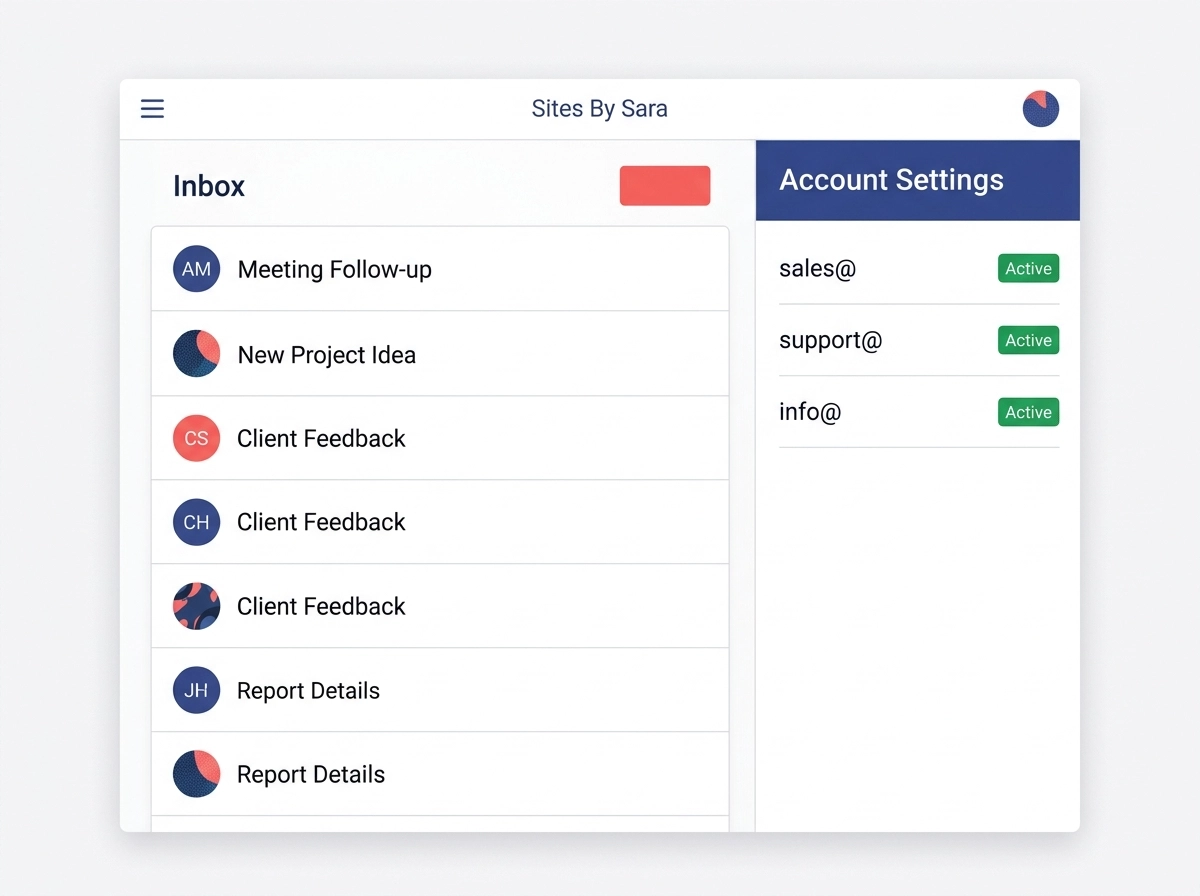
Migrate everything. Lose nothing.
We move your entire digital workspace from your existing web host, Outlook, cPanel, or another Google account into your new Google Workspace or Microsoft 365 setup — with zero data loss and no downtime.
Learn about migration
Easily scale up or down
As your team and operations expand, we add users, configure "Send & Reply As" permissions, set up shared team groups, and enable company catch-all routing so no customer inquiry ever falls through the cracks.
See add-on options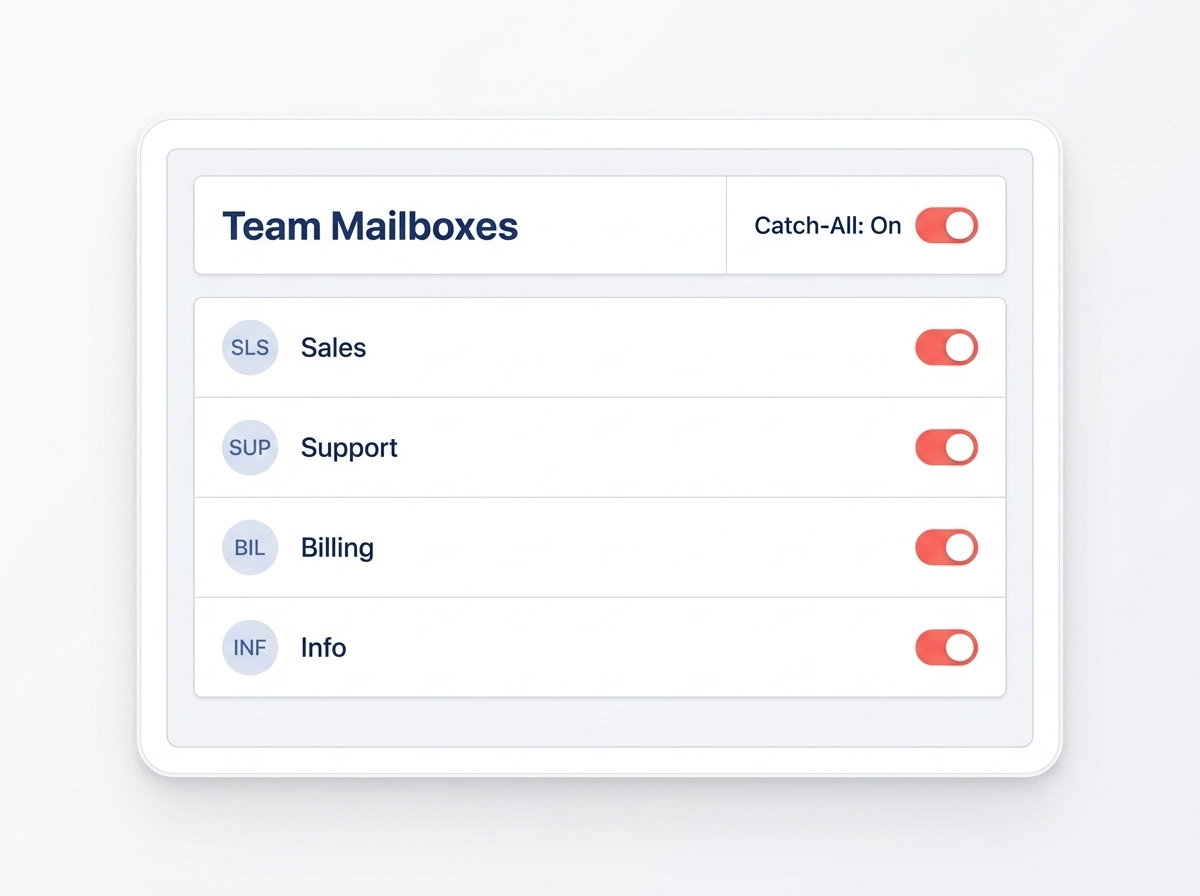
Frequently Asked Questions
Everything you need to know about our Google Workspace & Microsoft 365 setup services.
Do we have to migrate every single email account?
How long does domain verification & DNS propagation take?
What if we are a new business setting up email for the first time?
What is the difference between an email account and an alias?
sales@yourcompany.com) that forwards
messages into an existing account at no extra monthly license fee.How does "Send Mail and Reply As Another Alias" work?
jennifer@yourcompany.com) wants to send and reply as
billing@yourcompany.com or support@yourcompany.com directly from her inbox, we
configure "Send Mail As" and "Check Mail From" permissions for $129 each. She only pays for 1 software
license instead of 3.